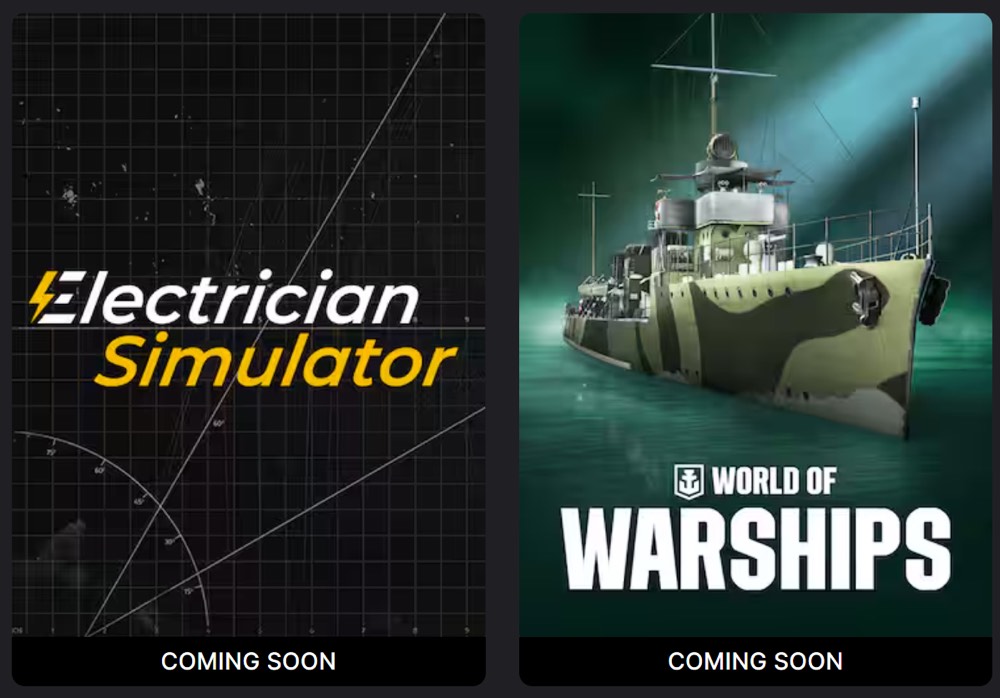

This week, the Epic Games Store has just released two new FREE games: Electrician Simulator and World of Warships — Epic Anniversary Tachibana Pack.
Now through 10:59am on March 26th, you can add these games to your Epic Games Library for absolutely nothing.
Electrician Simulator
Take on the electrician role and learn the profession’s basics! Install sockets, repair worn-out equipment, assemble broken appliances, replace light bulbs, and lay wires at your customers’ homes. Be sure to check everything twice, with electricity there are no jokes!
World of Warships — Epic Anniversary Tachibana Pack
Get a Premium Japanese destroyer and some Epic permanent camouflages to celebrate our 5th year at Epic Games Store.
To use this DLC, you apparently need to create your World of Warships account on Epic Games Store. Download the base game now.
Our game’s 5th anniversary at Epic Games Store is cause for celebration! Offload this limited-time exclusive DLC into your Port to get the stealthy, well-rounded Japanese Premium destroyer Tachibana paired with five beautifully appropriate Epic permanent camouflages.
This package contains:
- Tachibana | Premium Tier II Japanese destroyer; comes with a Port slot
- 5 Epic permanent camouflages
Key features:
- Low detectability allows for effective use of stealth
- Rapid torpedo tube reloading
Premium ships earn more Credits per battle and have reduced post-battle service costs. Commander retraining is not required for these ships. Camouflages only change a ship’s appearance and do not provide any economic or combat bonuses.
This time-limited DLC can be purchased only once per account. If you already have this ship in your Port, you will not receive any compensation for it from purchasing this DLC.
The content of this DLC is only playable on World of Warships accounts created on Epic Games Store.
How do you get these games for free?
Right from your iPhone or browser, you can simply login to the Epic Games Store and purchase these titles for nothing (they will be free at checkout), and they are yours to keep.
After checkout, they’ll be added to your Epic Games library, then you can install and play them anytime on your Steam Deck (or gaming PC).
If you’ll be playing these on a Steam Deck, I highly recommend installing the Heroic Games Launcher, which gives you an easy way to access your entire library of games from the Epic Games Store, GOG, and Amazon Prime Gaming. Check out these easy instructions.